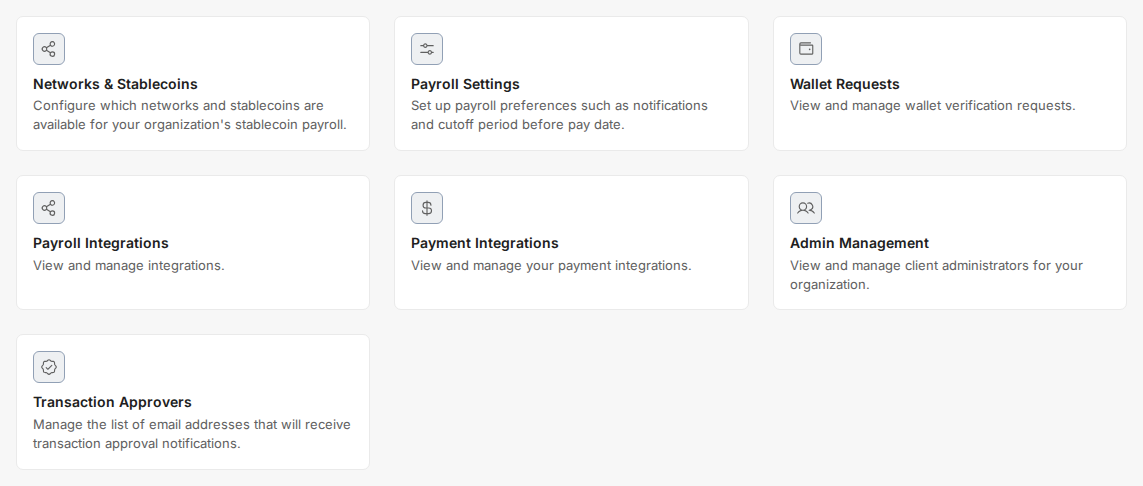
- Click “Settings”
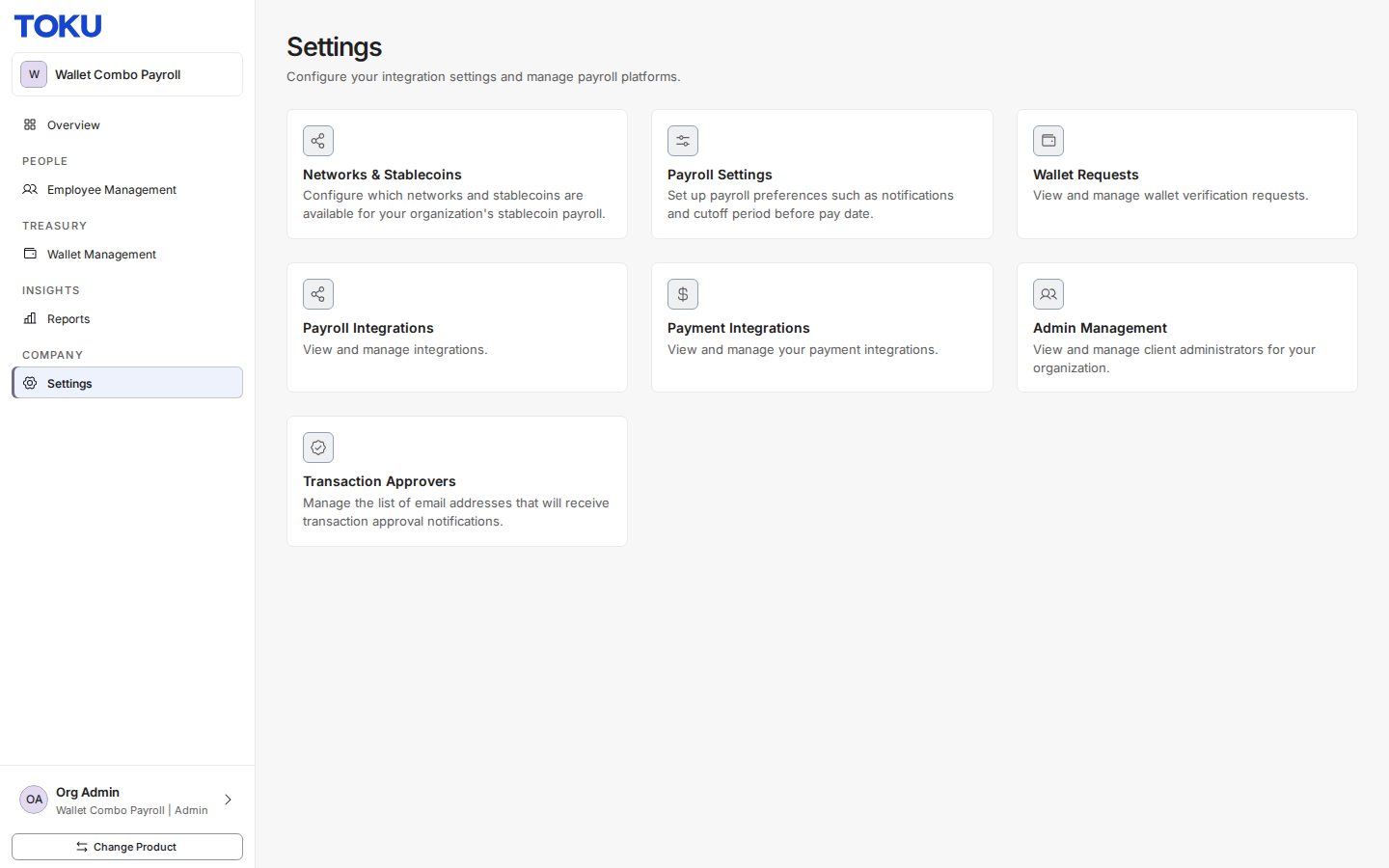
- Select “Networks & Stablecoins”
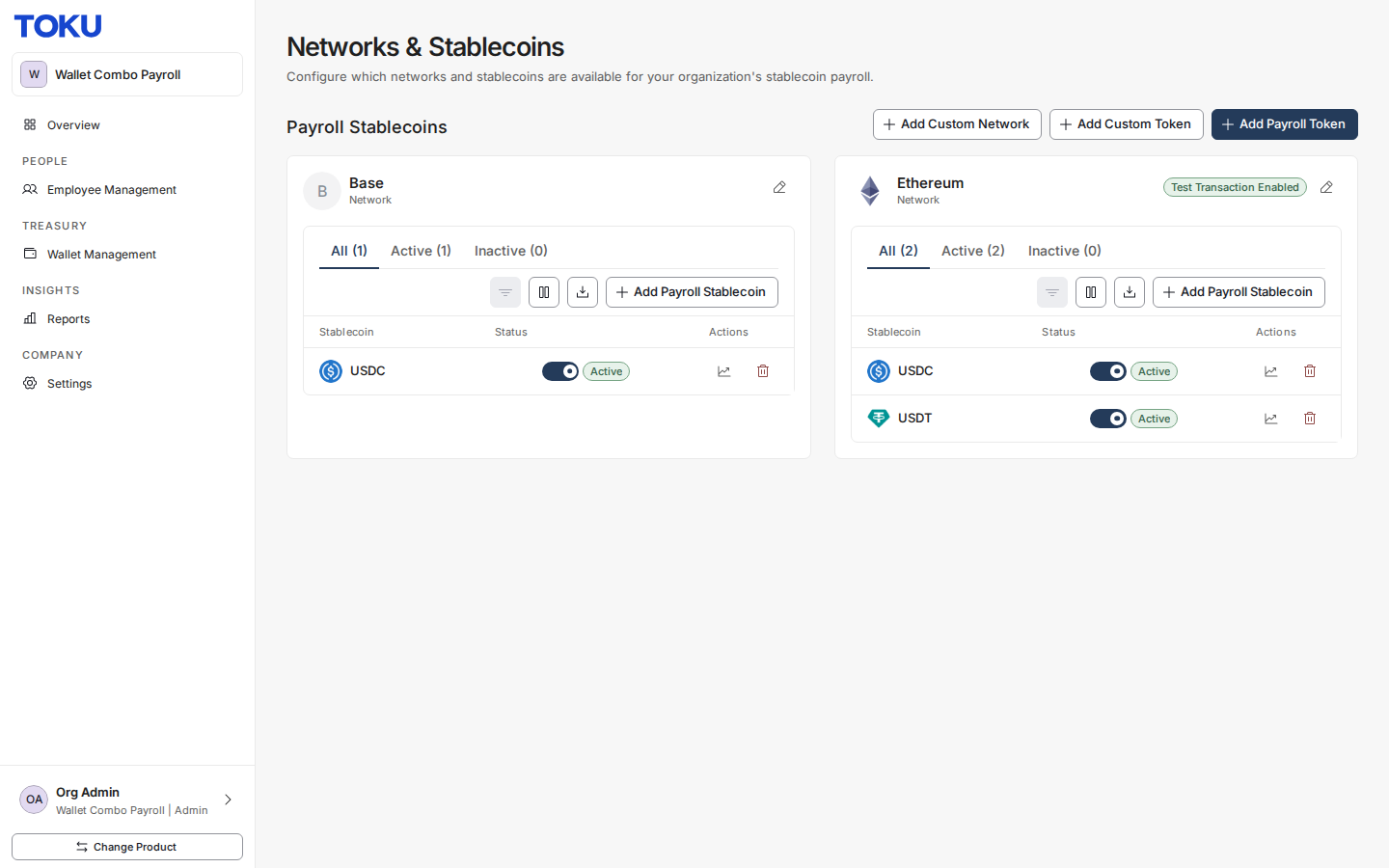
- Click “Add Payroll Token”
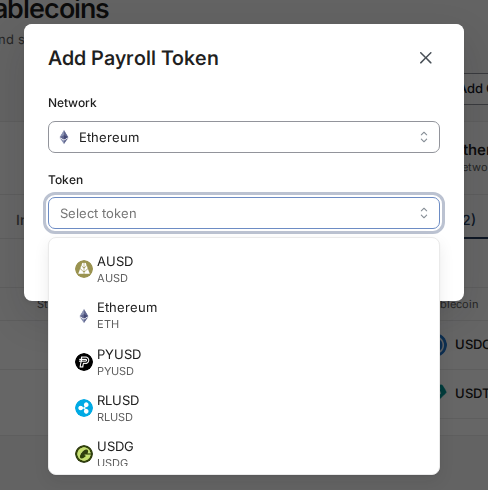
- Select the Network
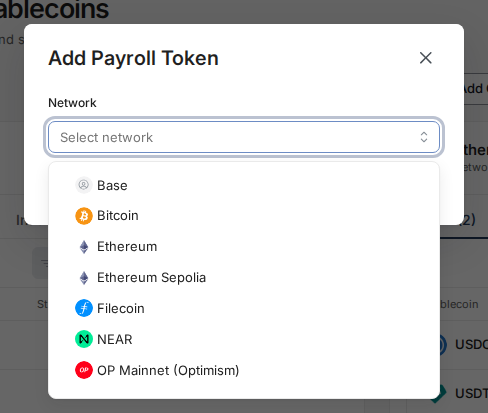
- Select the token
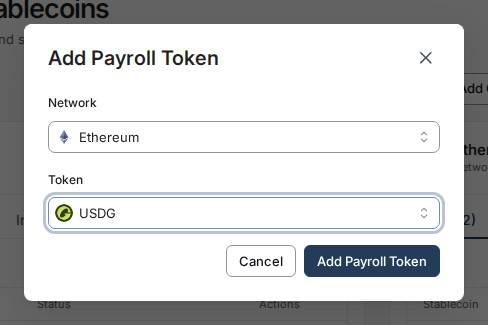
- Click “Add Payroll Token”

 1 MIN READ·
 UPDATED OCT 30, 2026
Learn how to enable a payroll token in Toku by accessing Settings, navigating to Networks & Stablecoins, and adding your desired token from the supported networks.
Was this article helpful?
The Toku AI assistant has read every article. A human specialist reviews every submission.