1 MIN READ
 UPDATED OCT 30, 2026
- Navigate to https://app.toku.com/dashboard
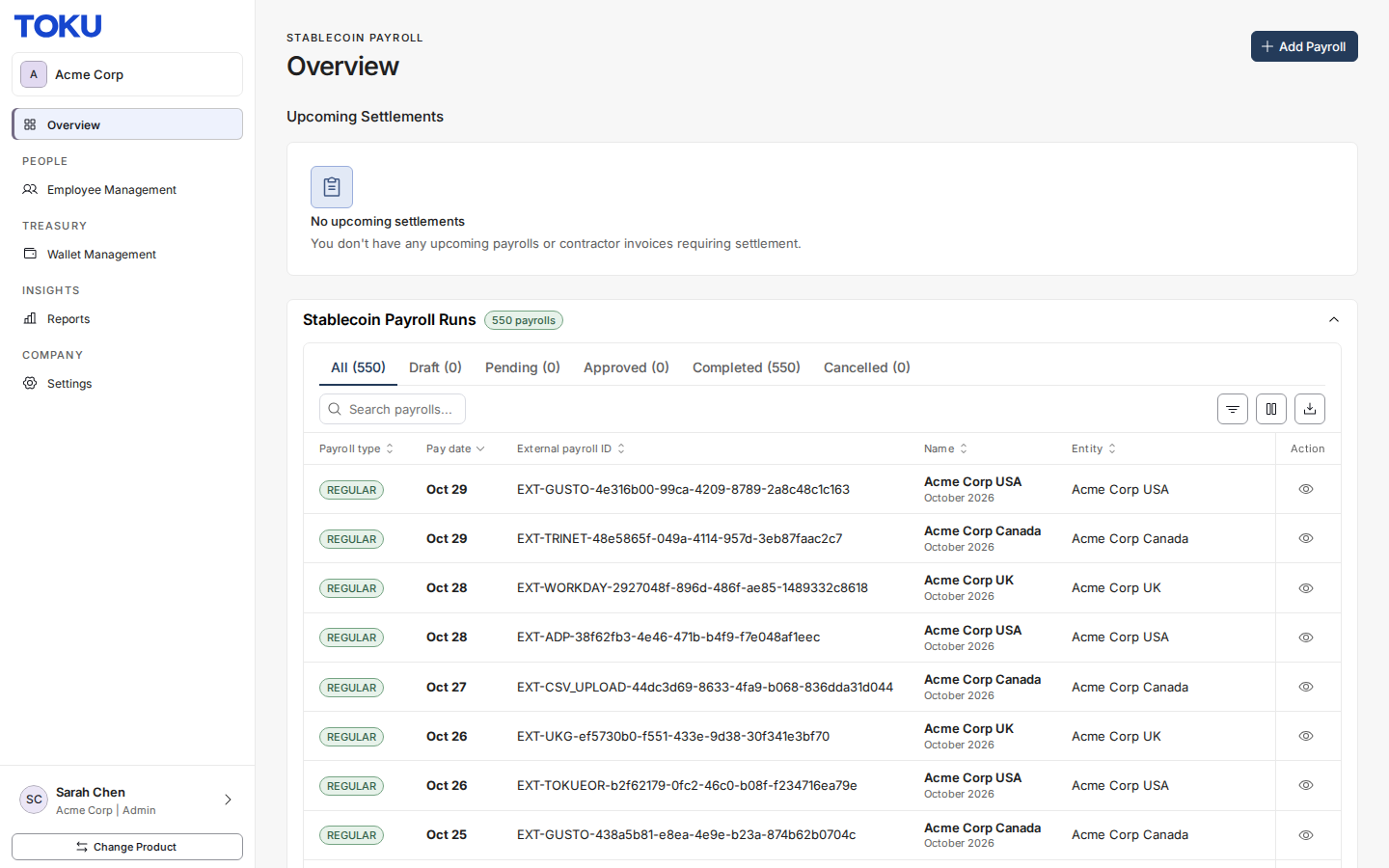
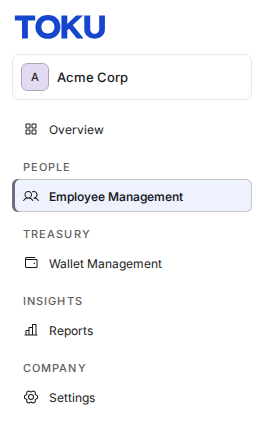
- Click “Employee Management” in the left menu (under PEOPLE)
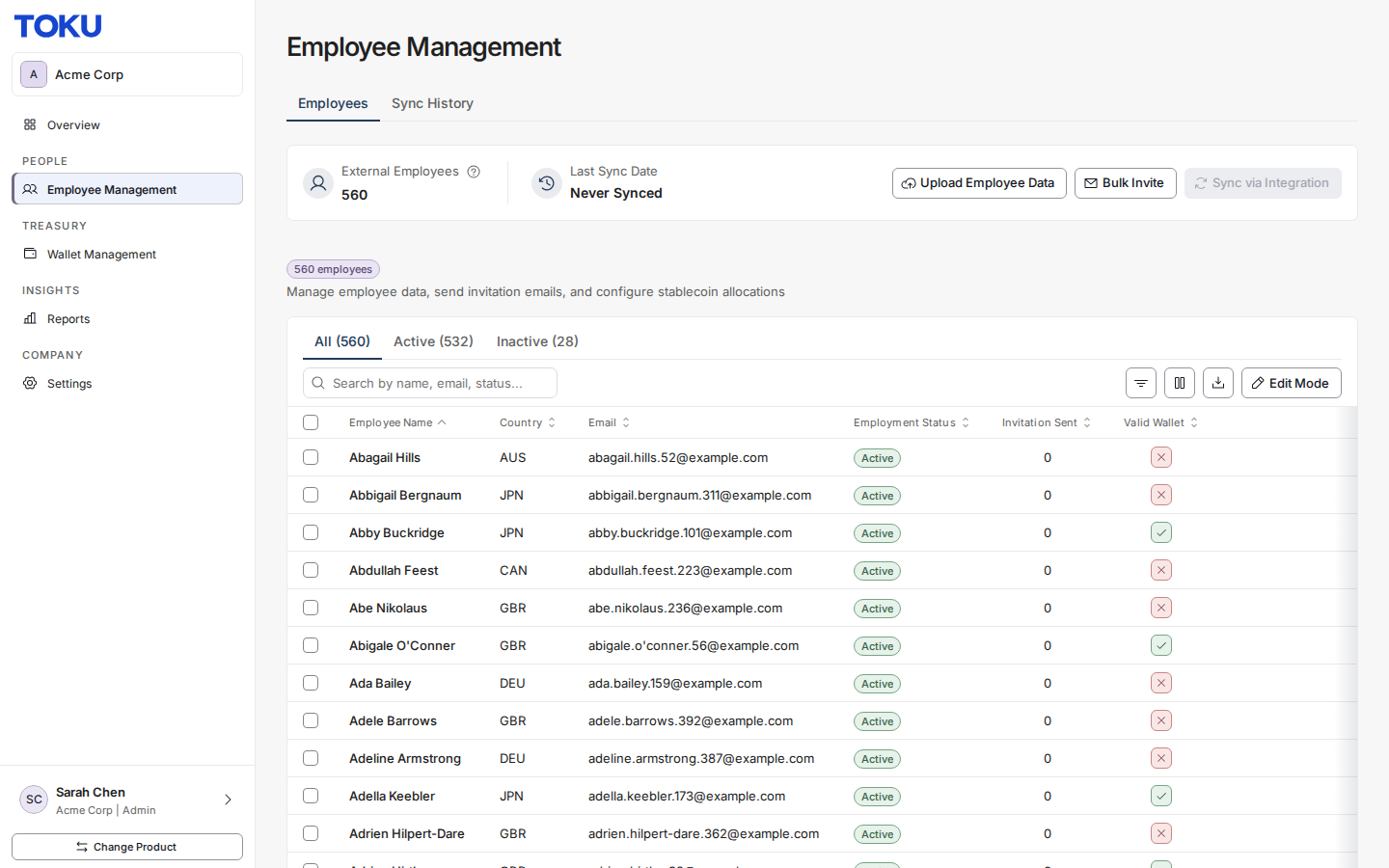
- The Employee Management page opens on the Employees tab
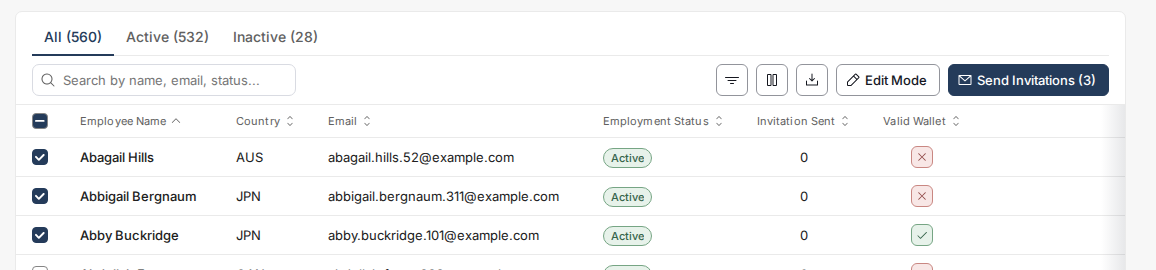
- Select the employees
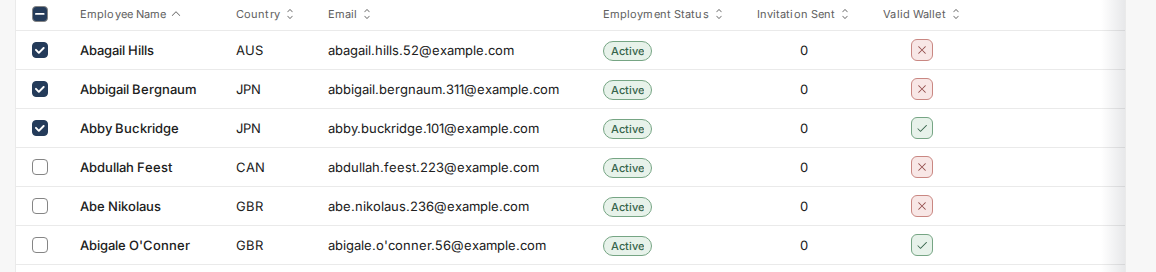
- Click “Send Invitations” (the button shows how many employees you selected)