
 2 MIN READ
 UPDATED OCT 30, 2026
📘 For organization administrators on Toku. Last updated October 30, 2026.
Export comprehensive employee data and analytics in multiple report formats to analyze your team.
Before you start
- Log in to your Toku account with administrator access
- You need admin permissions to access the Reports feature
Generate a report
- From the left-hand menu, under Insights, click Reports.
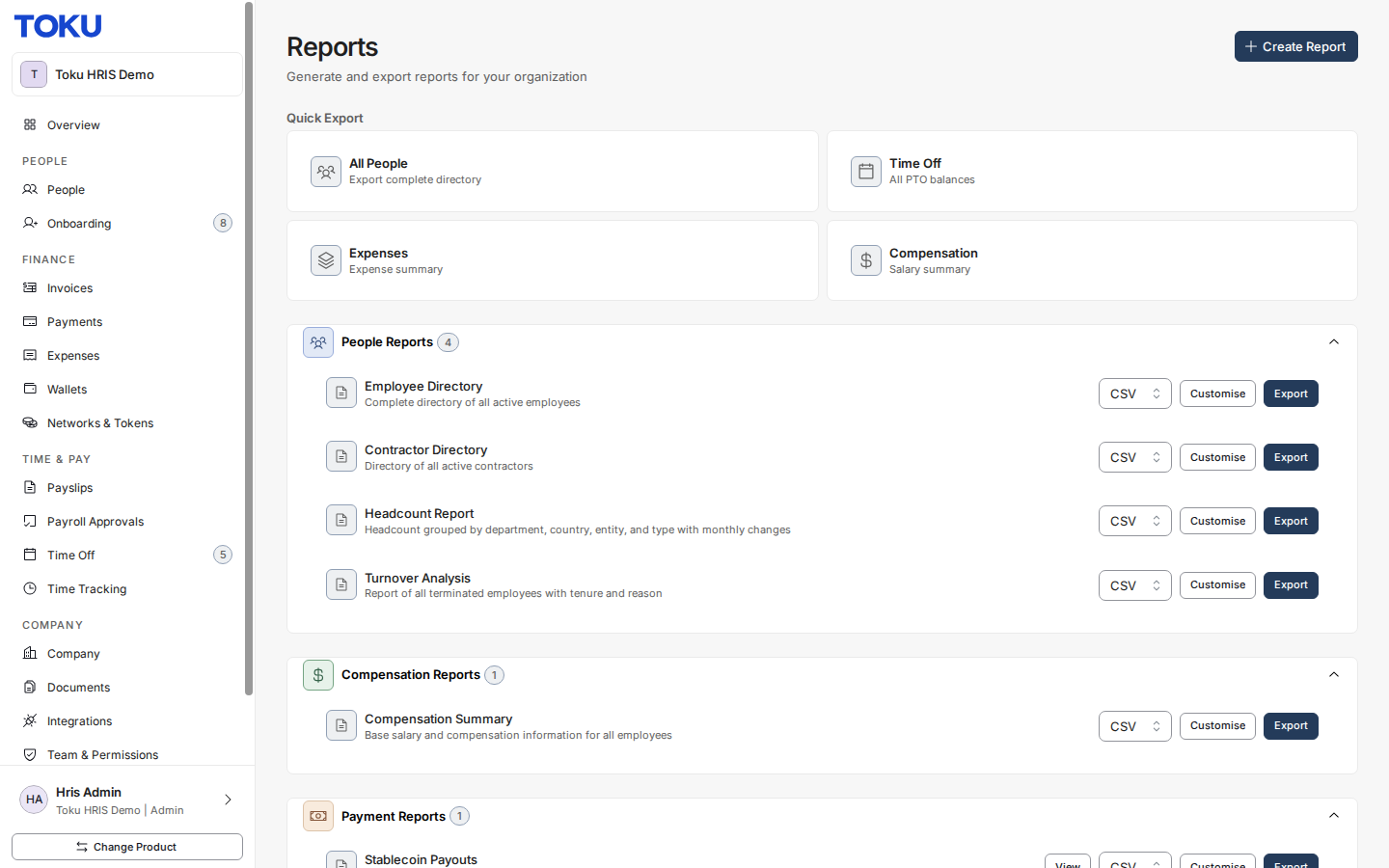
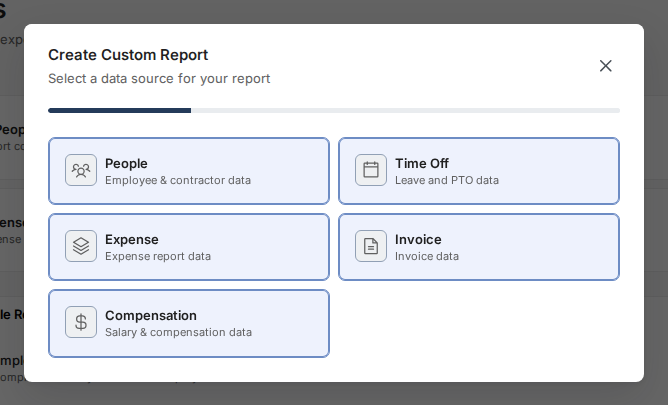
- Click Create Report in the top right, then select a data source for your custom report - People, Time Off, Expense, Invoice, or Compensation.
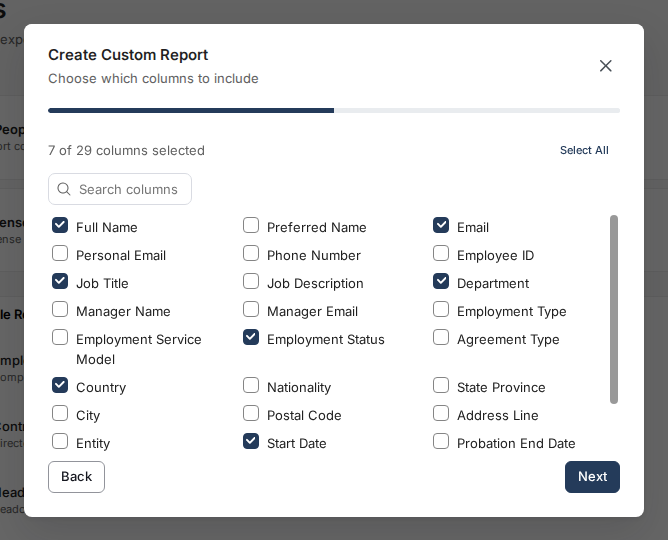
- Choose which columns to include, then click Next. On the next screen you can optionally select Add filter to narrow the report to the rows you need; click Next again.
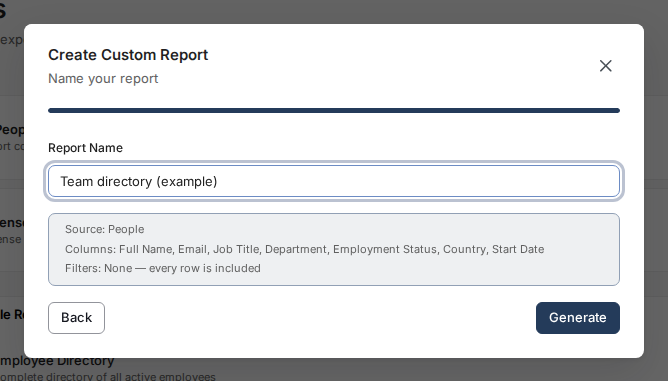
- Enter a name for your report and click Generate to create and download it as a CSV file.
Available report types
People Reports: Employee Directory (complete directory of all active employees), Contractor Directory (directory of all active contractors), Headcount Report (headcount grouped by department, country, entity, and type with monthly changes), and Turnover Analysis (all terminated employees with tenure and reason).
Compensation Reports: Compensation Summary - base salary and compensation information for all employees.
Payment Reports: Stablecoin Payouts - settled stablecoin allocation payments, per payment, with the fiat amount and the rate applied.
Time Off Reports: PTO Balances (current PTO balances for all employees), Time Off Usage (all time off records with request details), and Upcoming Time Off (approved time off starting in the future).
Expense Reports: Expense Summary (summary of all expenses), Expense by Category (expenses aggregated by category), and Pending Expenses (all submitted expenses awaiting approval).
Compliance Reports: Work Authorization Expiry - employees with work authorization expiry dates.
Good to know
- Reports can take a few moments to generate if your organization has many employees.
- All exported data reflects the current state of your employee records and cannot be rolled back.
Still stuck?
You can email customer-success@toku.com to reach our support team. Please include your email address, organization name, and a description of what happened. Screenshots and videos are always welcome to speed up the troubleshooting process. Feel free to reach out any time for further assistance.